The hand tools are ordinary: a screwdriver, an adjustable wrench, a drill with a bit long enough for your wall, a detector for what is inside that wall, sealant, and your phone running in field test mode. Retailer installation guides list much the same set. The item that decides whether this is your job is not on any of those lists as a tool, because it is not one. It is safe access to the mounting point, and the equipment and training that go with working at height.
So read the list below as what each step of the work requires, not as a shopping trip that makes the job simple. Two of these steps are not tool problems at all.
The list, step by step
| Step | What it actually requires | What goes wrong without it |
|---|---|---|
| Survey the outside signal | A smartphone in field test mode, and something to write on | You buy a kit sized for a signal you do not have |
| Plan antenna positions | A tape measure, and your kit’s manual | You discover the separation problem after the holes are drilled |
| Mount the outdoor antenna | Safe access to the position, the kit’s brackets, a screwdriver, an adjustable wrench or nut driver, and hardware suited to your wall material | A mount that moves in wind, or an injury |
| Route the coax | A drill and a bit long enough to pass the wall thickness, a detector for wiring and pipes, cable clips, exterior grade sealant, tape to mark the route | A hit service, a water path into the wall, or a cable pulled tight over an edge |
| Terminate cable, only if your kit is not pre-terminated | A coax stripping tool and the correct compression or crimp tool for the connector | Poorly made ends, which lose signal quietly and forever |
| Site the amplifier | An outlet, ventilation, and nothing more | Overheating, or an amplifier in a place you cannot reach again |
| Place the indoor antenna | Fixings appropriate to the surface | Coverage in a hallway |
| Ground and bond the outdoor part | This is electrical work, and is covered separately below | The whole point of grounding |
| Test | The same phone, the same spots, and your survey notes | No way to prove it helped |
Retailer install guides from SignalBoosters.com and UberSignal name broadly this set: a ladder, a smartphone, a Phillips head screwdriver, an adjustable wrench, a drill with a suitable bit, coax stripping and crimping tools where you are making your own ends, masking tape, and wall covers for the cable entry and exit. Those are the companies’ own published lists and a fair description of the hand tools.
The measuring instrument you already own
The most valuable tool in a booster install is the phone in your pocket, used properly. Field test mode reports signal in dBm, which is a real measurement, and bars are an interface. A survey done in dBm at each candidate mounting position is what tells you whether there is anything worth amplifying and where the outdoor antenna should go. The method is in how to check your real dBm signal strength.
You do not need a spectrum analyzer for a home install, and you do not need a signal meter. What you need is the same set of readings taken from the same places at the same time of day, written down, before and after.
The one tool nobody lists, and it is not optional
A detector for what is behind the surface, used before every hole.
Exterior walls carry wiring. Interior floors and ceilings carry wiring, water lines, drain lines and sometimes gas. A booster install drills at least one penetration through the building envelope and often several more inside, and a cable route between floors passes exactly through the zone where services run.
Use the detector, work out the service routes from what you can see in the basement or the attic, and stop if you do not know what is on the other side. If a hole has to go through a joist or a structural member to make the route work, that is a builder’s decision about bored and notched members, not a cable decision. Route around it instead. The attic side of this job has its own considerations, covered in running booster coax through an attic.
Seal the exterior penetration properly with a sealant rated for outdoor use, and give the cable a drip loop so water runs off before it reaches the hole. An unsealed penetration is a water path into a wall, and that damage costs more than the booster.
The access equipment, and the honest note about it
Here is the part that is not a tool list.
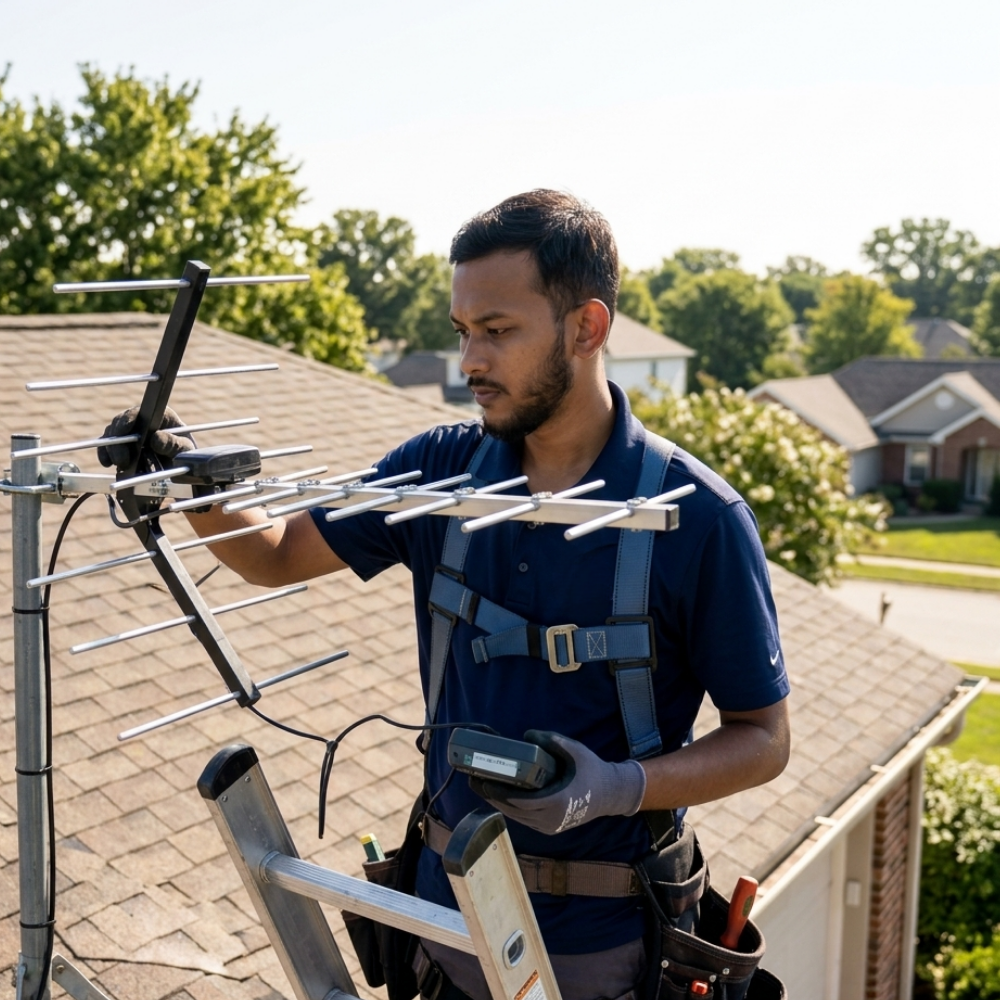
Most home booster installs put the outdoor antenna at height: a gable end, a fascia, a mast, or a roof. That requires a ladder of the right length and rating, set on firm level ground at the correct angle, and it requires the person on it to know what they are doing. Falls from height are among the most serious injuries in home improvement work, and no reception improvement is worth one.
This site does not publish ladder or roof technique, on purpose. Reading about working at height is not training, and a page that walks you through it is a page pretending otherwise.
So the honest note is this. If you do not own suitable access equipment, and you do not want to own it, that is itself the answer to whether this is a do it yourself job for you. It is not a failing and it is not a reason to abandon the project. It is a reason to split it: pay a roofer or an aerial and satellite installer for the work at height, and do the survey, the indoor half, the testing and the carrier registration yourself. That split is common, and we set out what each side buys you in DIY versus professional booster installation.
And if the mounting point requires standing on a pitched roof surface rather than working from a ladder against a wall, hire that part regardless of what equipment you own.
Grounding is not a tool question
The moment an antenna and its lead-in are outside, the installation is inside the scope of the electrical code. In the United States that means NEC Article 810: a listed antenna discharge unit on the lead-in near the point of entry, a grounded mast or supporting structure, and a bonding conductor run as straight as practicable to the building’s grounding electrode system, terminating at the intersystem bonding termination.
Buying a crimper and a spool of bonding conductor does not make that your work. Bonding to the electrical service is electrical work, and where it involves connecting at the service equipment it is a licensed electrician, which in many jurisdictions is a legal requirement rather than a recommendation. Codes are adopted and amended locally, and the authority having jurisdiction has the final word. What the requirement actually consists of is in signal booster grounding requirements, and it is worth reading before you buy the kit, because most consumer kits do not include a discharge unit in the box.
What you do not need
- A signal meter or spectrum analyzer. Your phone reports dBm.
- A higher gain antenna than the one in the kit. Substituting antennas can take the system outside the configuration it was certified with, and the FCC’s consumer booster rules at 47 CFR 20.21 require the use of manufacturer approved antennas, cables and coupling devices.
- A splitter, until you have established that one indoor antenna is genuinely not enough. Splitting divides the available power and adds loss of its own.
- Longer cable than your route needs. Coax loses signal per foot, so surplus length is not free.
- A torque wrench for coax connectors. Finger tight, then as the manufacturer specifies, is the standard. Overtightening creates the intermittent fault you were trying to avoid.
The order the tools come out in
- Phone and notebook, before you buy anything.
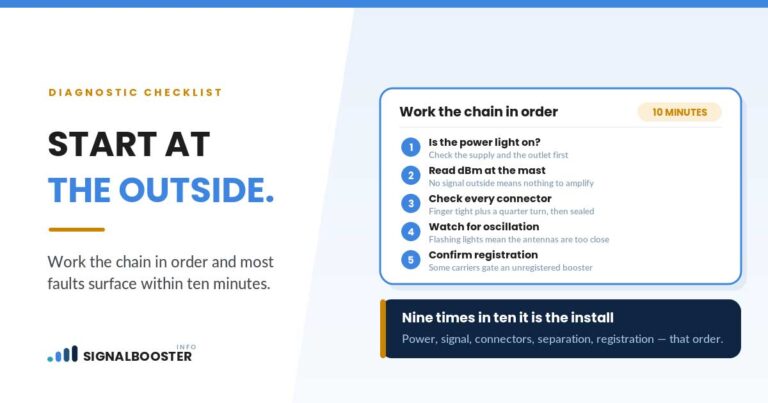
- Tape measure, to check the antenna positions against your kit’s published minimum separation. The reasoning behind those figures is in antenna separation distance for a signal booster, and getting this wrong is the most common reason a self install underperforms.
- Detector, then drill.
- Screwdriver, wrench, brackets.
- Sealant, clips, cable covers.
- Phone again, for the after readings.
Two of those steps, the work at height and the grounding, may belong to somebody else. Deciding that at step one is what makes the rest of the list straightforward.
FAQ
What tools do I need to install a cell phone signal booster?
For the parts a homeowner typically does: a smartphone for dBm readings, a tape measure, a screwdriver, an adjustable wrench or nut driver, a drill with a bit long enough for the wall, a detector for wiring and pipes, exterior grade sealant, cable clips, and coax stripping and compression tools only if your kit is not pre-terminated.
Do I need special tools to cut and terminate coax?
Only if your kit ships with unterminated cable. Making coax ends properly needs the correct stripping tool and the compression or crimp tool matched to the connector, and badly made ends lose signal permanently. Many home kits come with cable already terminated, which avoids the question.
Do I need a signal meter?
No. A smartphone in field test mode reports signal strength in dBm, which is what you need for the survey and for the before and after comparison.
Is a ladder all I need for the outdoor antenna?
A ladder is equipment, not a plan. It has to be the right length and rating, set on firm level ground, and used by someone comfortable working at height. If the mounting point requires standing on a pitched roof, hire that part of the job.
Can I ground the antenna myself if I buy the parts?
Owning the parts does not make it homeowner work. Bonding to the building’s grounding electrode system is electrical work under the code, and where it involves connecting at the service equipment it is a licensed electrician’s job, which in many places is not optional.
Where this comes from. The hand tool lists are published by SignalBoosters.com and UberSignal, both booster retailers, in their own home installation guides. The component approval point is from 47 CFR 20.21 as published in the Code of Federal Regulations and applies in the United States. The grounding points reference NEC Article 810 and are general information rather than a code interpretation for your building. No tool prices, brand recommendations or installation times are stated here, and this site has not performed an installation of its own.