The Short Answer: Usually, With One Real Caveat
Usually, yes, with one real caveat. Most consumer signal boosters sold today work across multiple US carriers because they’re built to amplify a range of common frequency bands, not to recognize a specific carrier’s name. The caveat is the part most product pages skip: which bands a booster covers and which bands your carrier actually uses at your address are two separate facts, and a device that covers most common bands can still miss the one your phone depends on right where you live. The useful pre-purchase question isn’t “does it say my carrier on the box.” It’s “which band is my phone using at my address, and does this device cover it.”
Why Most Consumer Boosters Aren’t Locked to One Carrier
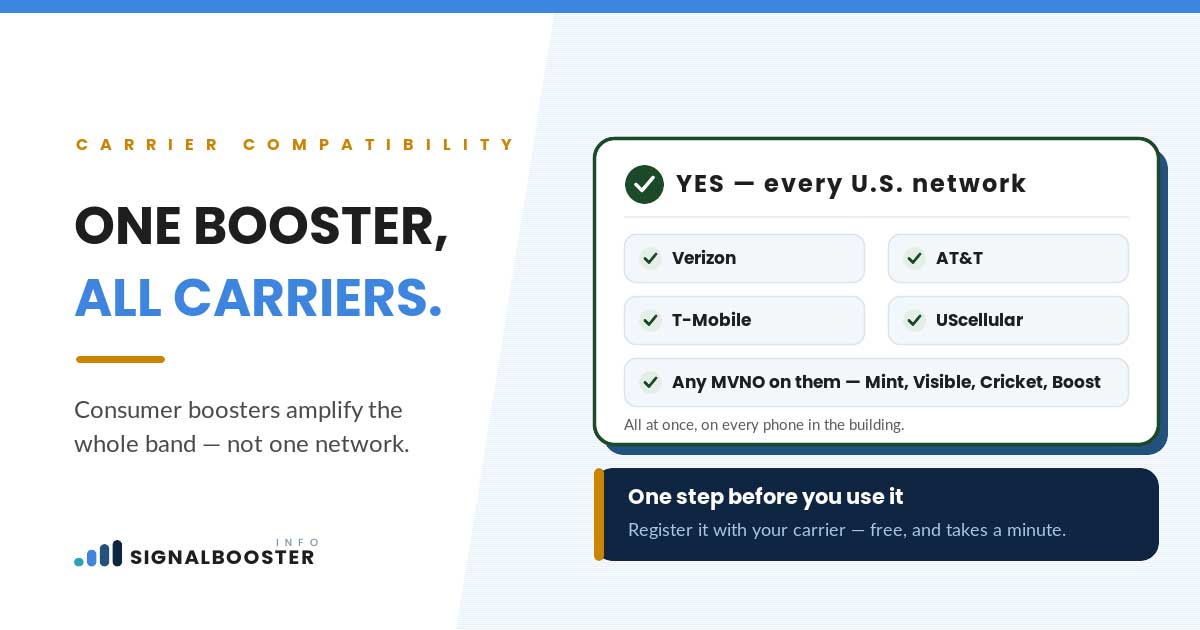
A signal booster doesn’t identify who your carrier is. It doesn’t read a SIM, check an account, or run any carrier-specific software. What it actually does is pull in whatever cellular signal reaches its outdoor antenna, amplify it, and rebroadcast it indoors, described in more detail in what a signal booster actually is. If a signal in a given frequency band arrives at the antenna, the booster amplifies it, regardless of which carrier put it there.
That’s structurally different from a carrier’s own network extender (sometimes called a femtocell), which is tied to your specific account and SIM by design; see how a booster differs from a network extender for that distinction. Consumer boosters are built to a general standard that covers a shared set of frequency bands used across multiple carriers, which is why manufacturers can market one device as compatible with several networks at once. The specific rules that govern how these devices are built and used are covered on their own, in is a signal booster legal, rather than restated here.
None of that means every booster covers every band every carrier uses. It means the compatibility question was never really about carrier names in the first place.
What Actually Varies: Frequency Bands, Not Carrier Names
Here’s the mechanism worth understanding before you shop. Each carrier holds rights to broadcast on particular slices of spectrum, called frequency bands, and which bands are actually active near you depends on that carrier’s own network buildout in your specific area. Two carriers can both claim strong coverage in your zip code while using a different mix of bands to deliver it, and the same carrier can use a different mix of bands across two towns twenty miles apart.
A consumer booster’s spec sheet lists the bands that particular model covers, typically a handful of the bands most commonly used across US carriers. The real compatibility question is whether the bands your booster covers overlap with the bands your carrier is actually using where you live. Most of the time they do, because manufacturers design consumer boosters around the bands with the broadest carrier overlap. Occasionally they don’t, usually because a carrier is using a less common band in a specific area, or because the reader’s phone has fallen back to a band the booster wasn’t built to cover.
This site won’t hand you a chart claiming which exact bands any named carrier uses today. Band deployment shifts as carriers expand and reallocate spectrum, and a wrong number here would be worse than no number. What stays true regardless of the current lineup is the mechanism: check the bands, not the name on the box.
| What compatibility depends on | Why it matters | Where to check it |
|---|---|---|
| Frequency bands the booster covers | The device amplifies specific bands, not a specific carrier’s brand | The booster’s own published spec sheet |
| Which network your plan actually rides on | Prepaid and MVNO plans lease capacity from a major carrier’s network | Your provider’s own “network partner” disclosure |
| Which bands are active at your address | Band deployment varies by location, not just by carrier | Your phone’s actual signal reading at that address |
| Whether the model covers the 5G bands you use | Not every consumer booster covers every current 5G band | The booster’s spec sheet, not a “5G compatible” label alone |
| Carrier registration | A separate, carrier-required step after the device is compatible | Covered in the site’s legal breakdown |
Where Prepaid and MVNO Plans Fit In
This is the part readers on a prepaid plan or an MVNO (a brand that sells wireless service without owning its own network) most often get wrong. An MVNO doesn’t broadcast its own signal. It leases network capacity from one of the major carriers, called the host network, and resells it under its own name. That means booster compatibility for an MVNO plan follows the host network’s bands, not the MVNO’s own brand name.
Practically, this changes what you should actually be checking. If you’re on a prepaid or MVNO plan, the useful question isn’t “does this booster support [MVNO name].” It’s “which major network does my plan actually run on, and does the booster cover that network’s bands.” Most providers disclose which host network they use somewhere in their own terms or coverage page. Find that first, then treat the compatibility question as if you were a customer of the host carrier directly.
What 5G Adds to the Compatibility Question
5G didn’t replace the older bands carriers were already using; it added new ones on top, and that’s exactly where booster compatibility gets more complicated. Not every consumer booster on the market covers the newer 5G bands, and a model labeled “5G compatible” can still cover only some of them rather than all of them. This is also the fastest-moving part of the compatibility question, because carriers keep expanding where and how they use 5G spectrum, which means a compatibility answer that was true last year isn’t guaranteed to still be true today.
The practical takeaway is the same one that runs through this whole piece: a “5G ready” label on a box is a marketing shorthand, not a band list. If 5G matters to your specific use case, the model’s actual spec sheet, not the label, is what tells you whether it covers the bands you need.
How to Check Compatibility Before You Buy
Before you buy anything, work through these in order:
- Identify your actual network, not just your plan’s brand. If you’re on an MVNO or prepaid plan, find which major carrier’s network it runs on.
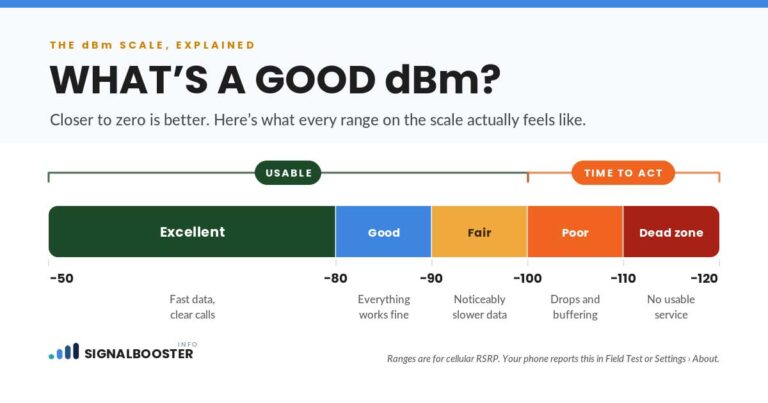
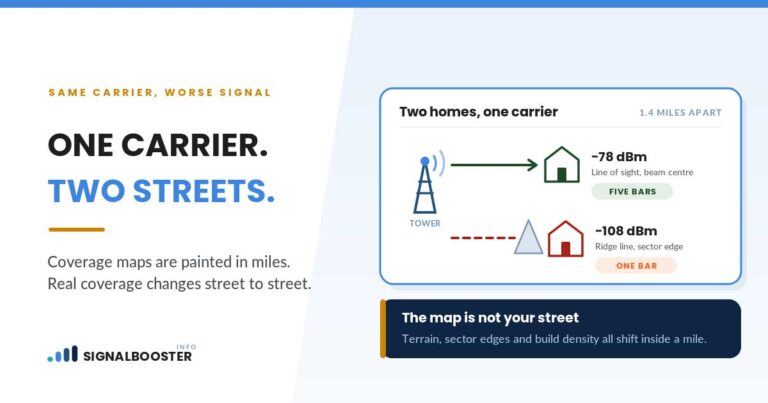
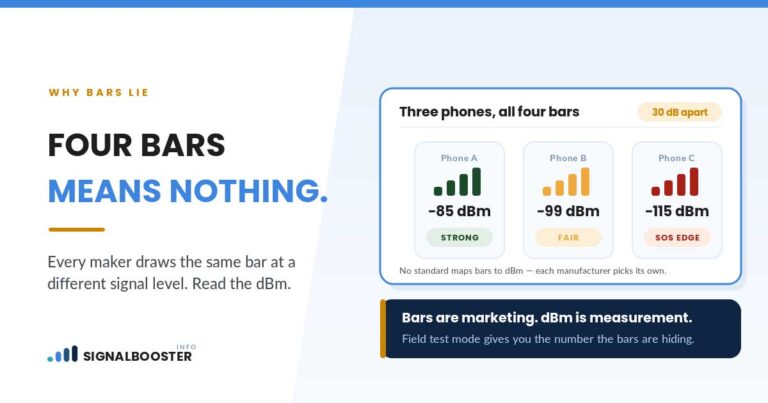
- Check your real signal at your address, not a nationwide coverage map. A dBm reading at your location tells you what band and strength your phone is actually working with right now, which is far more useful than any generic “we support all carriers” claim.
- Pull up the booster’s own band list, not its marketing copy. Manufacturers publish this as a spec, usually as a list of supported bands or a compatibility statement, separate from the “works with major carriers” headline.
- Compare the two lists. If the bands your phone is actually using at your address appear on the booster’s spec sheet, you have a compatible device. If they don’t, that specific model isn’t the right fit, whatever the box says.
- Don’t assume 5G is covered just because 4G is. Check the model’s stated 5G band support separately if 5G performance matters to you.
None of this requires special equipment or a technician visit. It requires reading the booster’s actual spec sheet against your own phone’s actual reading, rather than trusting either one alone.
What Still Requires Your Carrier’s Involvement
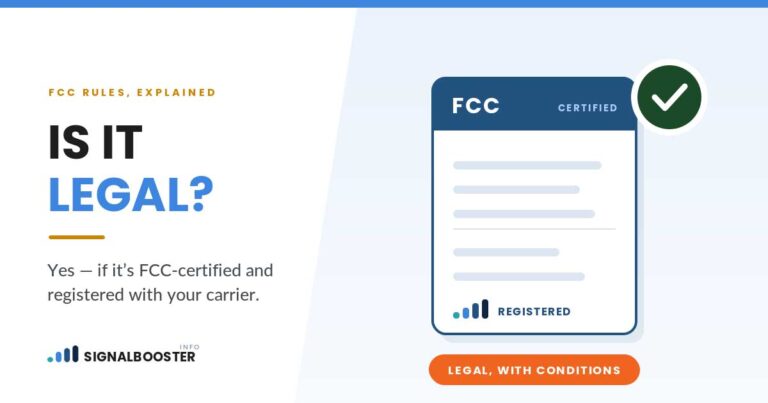
Confirming band compatibility answers whether the device can technically amplify your signal. It doesn’t finish the process. Every certified consumer booster still needs to be registered with your carrier before it’s used, a separate, carrier-required step covered in full in is a signal booster legal, and that registration requirement applies no matter which carrier’s bands the device covers.
There’s also a scenario a booster genuinely can’t fix: if your carrier has no meaningful signal reaching your area at all, rather than a weak signal that’s present but struggling, no amount of amplification changes that. Amplifying nothing still produces nothing. That’s the situation where the honest answer isn’t “buy a compatible booster,” it’s “your carrier may not be the right fit for where you live,” which is covered directly in signal booster vs. switching carriers.
FAQ
Does a signal booster need to be programmed for my specific carrier?
No. A booster doesn’t recognize carriers by name; it amplifies whatever signal, in whatever band, reaches its antenna. There’s no carrier-specific setup step on the device itself.
Will my signal booster still work if I switch carriers later?
Usually, as long as your new carrier uses at least some of the same bands the booster already covers. It’s worth rechecking the booster’s spec sheet against your new carrier’s bands at your address rather than assuming compatibility carries over automatically.
Does my prepaid or MVNO carrier need to approve the booster separately from the host network?
Compatibility follows the host network your MVNO actually runs on, not the MVNO’s own brand. Registration requirements can differ by provider, which is covered in more detail on the site’s legal page.
Do all signal boosters support 5G?
No. 5G added new frequency bands beyond what many boosters were originally built to cover, and a “5G compatible” label doesn’t guarantee every current 5G band is included. Check the specific model’s spec sheet.
How do I find out which frequency band my phone is actually using right now?
The most reliable way is checking your phone’s real signal reading at your specific address rather than relying on a national coverage map. That process is covered step by step in how to check your dBm signal strength.