If your signal booster stopped working suddenly after months of working fine, the installation was never the problem. Something changed. Check in this order: first whether the network outside changed, then power, then the status lights, then anything that happened recently (a storm, roof work, a moved indoor antenna), then cables and connectors, and only after all of that the amplifier itself. Most sudden failures turn out to be power, an event you can name, or a change on the carrier’s side. Few of them are a dead booster.
This page is for a system that used to work. If yours never worked properly from the day it went in, the diagnostic checklist for a booster that is not working is the better starting point, because an install that never worked usually has an install problem.
Sudden or gradual? Decide which you have
The two point to different causes.
Sudden means it was fine yesterday and not today. That points to an event: a power interruption, a storm, a disconnected cable, the booster shutting itself down, or a network outage.
Gradual means coverage has been shrinking over weeks or months. That points to slow causes: water working into an outdoor connector, trees leafing out, an antenna drifting off aim, or the carrier retuning a nearby site.
This page follows the sudden path. If yours is gradual, the same checks apply, but start with the cables and the view from the outdoor antenna.
Step 1: Is it the booster, or the network?
A booster amplifies what its outdoor antenna receives. If the signal outside collapsed, the booster has nothing to work with, and every check indoors is wasted effort.
- Take a reading outside, near where the outdoor antenna is mounted, and compare it with any baseline you recorded. Use dBm, not bars. Our guide to checking your real signal strength in dBm shows how on each phone.
- Check with your carrier for an outage or maintenance in your area.
- Ask someone nearby on the same carrier whether their phone changed too.
If the outside reading has dropped sharply as well, the problem is upstream of your house. weBoost’s own troubleshooting post (Why Isn’t My Cell Signal Booster Working Like It Used To?, published January 3, 2024, read September 11, 2026) lists carrier changes to network infrastructure or frequency bands, tower changes, and new obstructions such as construction or overgrown trees among the reasons a booster declines, and suggests asking your carrier about recent changes.
Carrier coverage maps are a limited check. AT&T’s map (att.com, read September 11, 2026) states that it displays approximate outdoor coverage, and that coverage is not guaranteed and is subject to change without notice. Verizon’s coverage map and T-Mobile’s coverage map are likewise presented as approximate outdoor coverage. A map will not show a single sector that went down last night. Your own before-and-after readings will.
Step 2: Power
This is where most “it just died” cases end.
- Is the outlet live? Plug something else into it.
- Is the outlet on a GFCI or a switched circuit? A tripped GFCI outlet elsewhere on the same circuit, or a wall switch someone turned off, cuts the booster without anyone noticing.
- Is the power adapter seated at both ends, and is it the adapter that came with the unit?
- Is it plugged into a power strip that was switched off, or a surge strip that tripped during a storm?
- Power cycle it. Unplug it for a full minute, then plug it back in.
If a breaker has tripped, resetting it once is normal. If it trips again, stop. A breaker that keeps tripping is a fault for a licensed electrician, not something to keep resetting, and the panel is never something to open yourself.
Step 3: Read the lights against your manual
Once it has power, the status lights tell you what the booster thinks is wrong. Light patterns and colors differ by manufacturer and model, so the only reliable key is your unit’s own manual. Match what you see to a category: power fault, oscillation shutdown, overload, or no usable input. That category decides which of the steps below matters.
Step 4: What changed in the last week?
A booster that worked and then stopped almost always stopped because of an event. Walk back through recent days and match it here.
| What happened | What it can do to the booster | What to check |
|---|---|---|
| Thunderstorm or power outage | Surge through the power supply or the antenna lead-in | Adapter, outlet, the surge protector on the coax, then the manufacturer |
| High wind, ice or snow | Outdoor antenna rotated or mast shifted | Antenna aim, viewed from the ground |
| Roof, siding, gutter or tree work | Antenna moved, cable unplugged or crushed | Antenna position and every connector you can reach safely |
| Furniture moved, new metal shelving, indoor antenna relocated | New leakage path between the antennas, so the booster hears itself | Lights showing a shutdown or reduced gain |
| Carrier built or upgraded a nearby site | Much stronger input, so the booster reduces its own power | Lights showing overload or reduced gain |
| New building or construction nearby | Path to the tower blocked | Outdoor reading compared with your baseline |
| Booster moved to a new address | Nothing technical, but the registration no longer matches | Update your registration with your carrier |
Three rows deserve more than a line.
The booster hearing itself. When an indoor antenna’s output leaks back to the outdoor antenna, a certified booster is built to detect it and cut its gain or shut down. A bookcase moved against a wall, or an indoor antenna nudged toward a window, can be enough. The mechanism and the fixes are in signal booster oscillation.
Too much signal, not too little. A new or upgraded cell site nearby can deliver far more input than your system was set up for, and the booster turns its own gain down in response. Coverage indoors shrinks even though the signal outside got better. Why a booster reduces its own power explains how to tell this apart from oscillation, which matters because the fixes run in opposite directions.
The surge protector after a storm. Many surge protectors for booster antennas use a replaceable gas discharge element. After a surge the protector may have sacrificed itself to protect the amplifier, and it then becomes the break in the line. It is worth checking before you assume the amplifier failed.
Step 5: Cables and connectors
With the booster unplugged, check every connection you can reach safely: finger tight, not cross-threaded, no corrosion, no moisture. Outdoor connectors that let water in usually fail over months, but a connector that was already marginal can give up after one hard rain. Look for crushed or kinked cable anywhere something was recently moved.
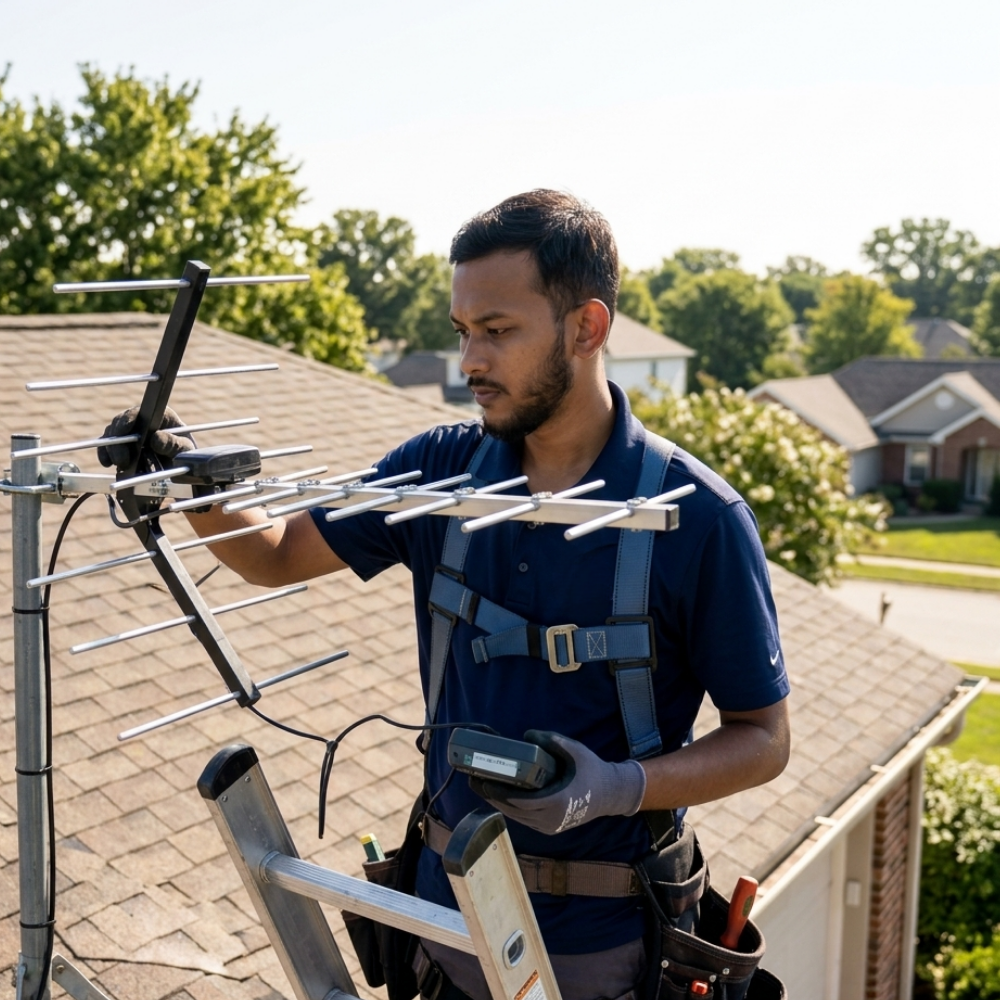
Do this from the ground and from inside. If a connector or the antenna is on the roof, that is a job for an installer. Do not climb in wet, icy or windy conditions, and never with a storm in the area. Falls from ladders and roofs cause far worse damage than a dead booster.
Step 6: The amplifier itself
Only now does it make sense to suspect the booster. Components do age, and weBoost’s post lists aging equipment among the causes. If power is good, the lights show a fault your manual attributes to the unit, and every check above is clean, contact the manufacturer’s support line with your model and serial number. What the warranty covers is theirs to state.
Two rules while you wait:
- Do not open or modify the unit, and do not try to defeat a shutdown. The FCC’s consumer booster rule, 47 CFR 20.21 (read September 11, 2026 via Cornell’s Legal Information Institute), bars deactivating any booster feature designed to prevent harmful interference, and requires operation with approved antennas, cables and coupling devices.
- A replacement has to be a certified consumer booster, registered before it runs. The FCC’s consumer signal booster page (checked September 11, 2026) says only properly certified consumer boosters may be used and that each must be registered with your wireless provider, free of charge. The registration records the make, model, serial number and location, so a new unit means a new registration. Verizon’s registration page (read September 11, 2026) states there is no fee to register or use a signal booster, and T-Mobile’s is on its register a signal booster support page.
Never replace a failed certified booster with an uncertified one because it arrives sooner. An uncertified unit lacks the protections that keep a booster from interfering with the network everyone around you depends on.
Prove it is fixed
Once it is running again, take the same readings in the same spots you used when it was working, and compare. How to test a signal booster before and after sets out the method. Write the numbers down. They are the baseline that makes the next sudden failure quick to diagnose.
FAQ
Why did my signal booster suddenly stop working?
Usually power, a recent event such as a storm or roof work, the booster shutting itself down because it hears its own output, or a change on the carrier’s network. A failed amplifier is less common than any of these.
Why is my booster light red when it worked fine before?
Light meanings vary by model, so check your manual. Common causes are oscillation, often after something moved near an antenna, or overload from a stronger nearby cell site.
Can a storm break a signal booster?
A surge can damage the power adapter or the amplifier, and it can take out the surge protector on the antenna lead-in. Check those first, from the ground and indoors, once the storm has fully passed.
Do I need to re-register a replacement booster?
Yes. Registration identifies the unit by make, model, serial number and location, so a new unit needs its own registration before it operates.
The short version
A booster that used to work was installed correctly at some point, so look for what changed: the network, the power, an event you can name, a cable, and only then the unit. Do the checks from the ground and from inside, leave the roof to an installer and repeated breaker trips to an electrician, and keep any replacement certified and registered.
Where this comes from. The operating conditions are from 47 CFR 20.21 as published by Cornell’s Legal Information Institute, and the certification and registration points from the FCC’s consumer signal booster page and the carriers’ own registration pages; these apply in the United States. The causes of a decline in performance are from weBoost’s troubleshooting post as dated above, and the map limitations from the carriers’ own map pages. Indicator light meanings are model specific and come from your unit’s manual. This site has not tested any booster, and no gain, signal or coverage figure is given here.